You plug in for 20 minutes—what are you actually risking?
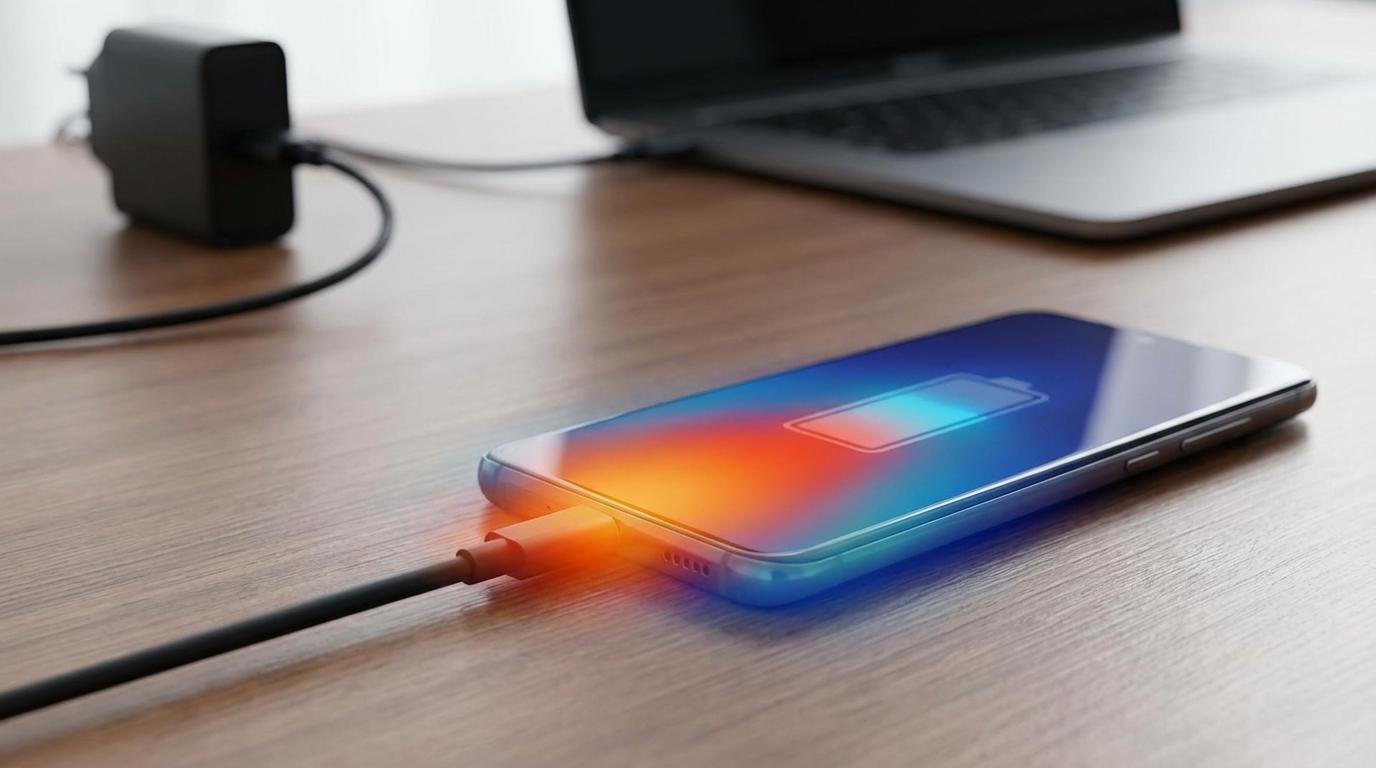
You plug in for 20 minutes, watch the battery jump, and wonder what you just traded for that speed: safety, battery life, or nothing at all. In most normal setups, the real “risk” isn’t a sudden failure—it’s extra heat, because heat is what speeds up battery wear. And the heat doesn’t come from “fast charging” as a single thing; it comes from the whole chain working together: your phone deciding how much power to take, the charger offering it, and the cable carrying it.
That’s why the questions that matter are practical. Is anything getting unusually hot? Are you using gear you trust? Are you charging in a place where heat can’t escape—like under a pillow, in a hot car, or inside a thick case? If those basics are solid, 20 minutes of fast charging usually isn’t the scary part. The edge cases are.
Fast charging isn’t one thing: phone + charger + cable + negotiation
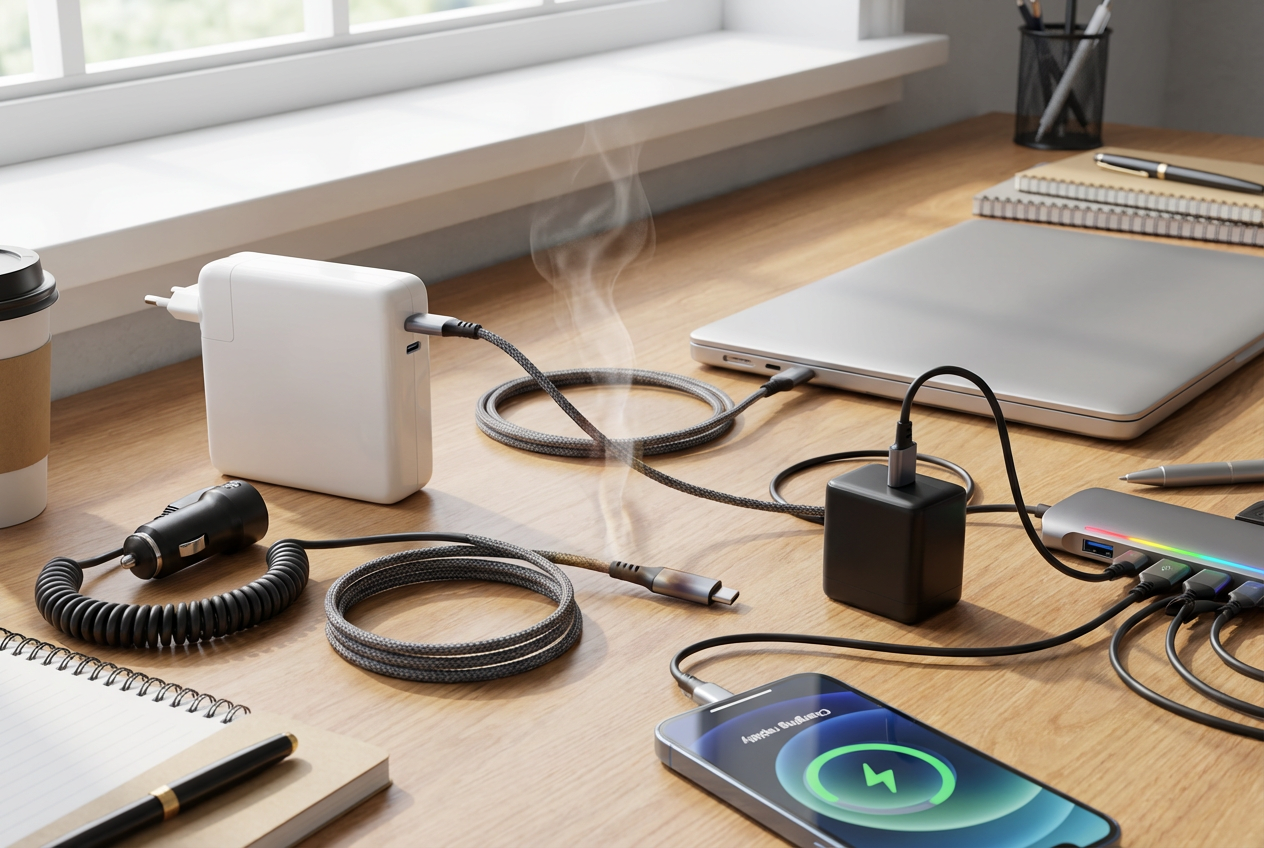
Those edge cases show up when one link in the chain isn’t doing what you think it is. “Fast charging” is really a quick back-and-forth between three pieces: your phone, the charger, and the cable. The phone asks for a certain voltage and current, the charger agrees to provide it, and the cable has to carry it without turning into a space heater.
That “negotiation” is why the same phone can charge fast on one brick and crawl on another. A laptop-style USB-C charger might support USB Power Delivery, but if your phone mainly uses a different fast-charge standard, you’ll get regular speed. A cheap or damaged cable can also force slower charging, or get warm because it has higher resistance. The trade-off is annoying: the more you mix and match, the harder it is to predict speed—and the easier it is to miss the one setup that runs hotter than it should.
So when you change anything—new charger, new cable, new car adapter—treat the first few sessions like a quick test. If the phone or plug gets noticeably hot to the touch, that’s a clue worth taking seriously.
When does it become dangerous (the small set of real red flags)?
“Noticeably hot to the touch” is the start of the short list. Warm is normal. Hot enough that you don’t want to hold the phone, the cable end, or the charger brick is not. If it happens, stop that session, unplug, and swap one piece at a time (different cable first, then charger, then outlet). The friction is obvious: you’ll lose speed. But the goal in that moment isn’t fast—it’s getting back to a setup that stays merely warm.
Then there are the true safety red flags: a charging port that smells like burning plastic, crackling or popping sounds, visible sparking, melting or discoloration on the plug or cable, or a phone that starts to swell (even slightly) or rocks on a flat table. Treat those as “done for now,” not “try again later.” Don’t keep it charging under a pillow, in a hot car, or pressed into a thick case while it’s already running warm.
If none of that is happening, the more common downside isn’t danger—it’s the slow, boring one: faster battery wear from repeated heat.
The battery-wear question: is fast charging ‘ruining’ your phone?
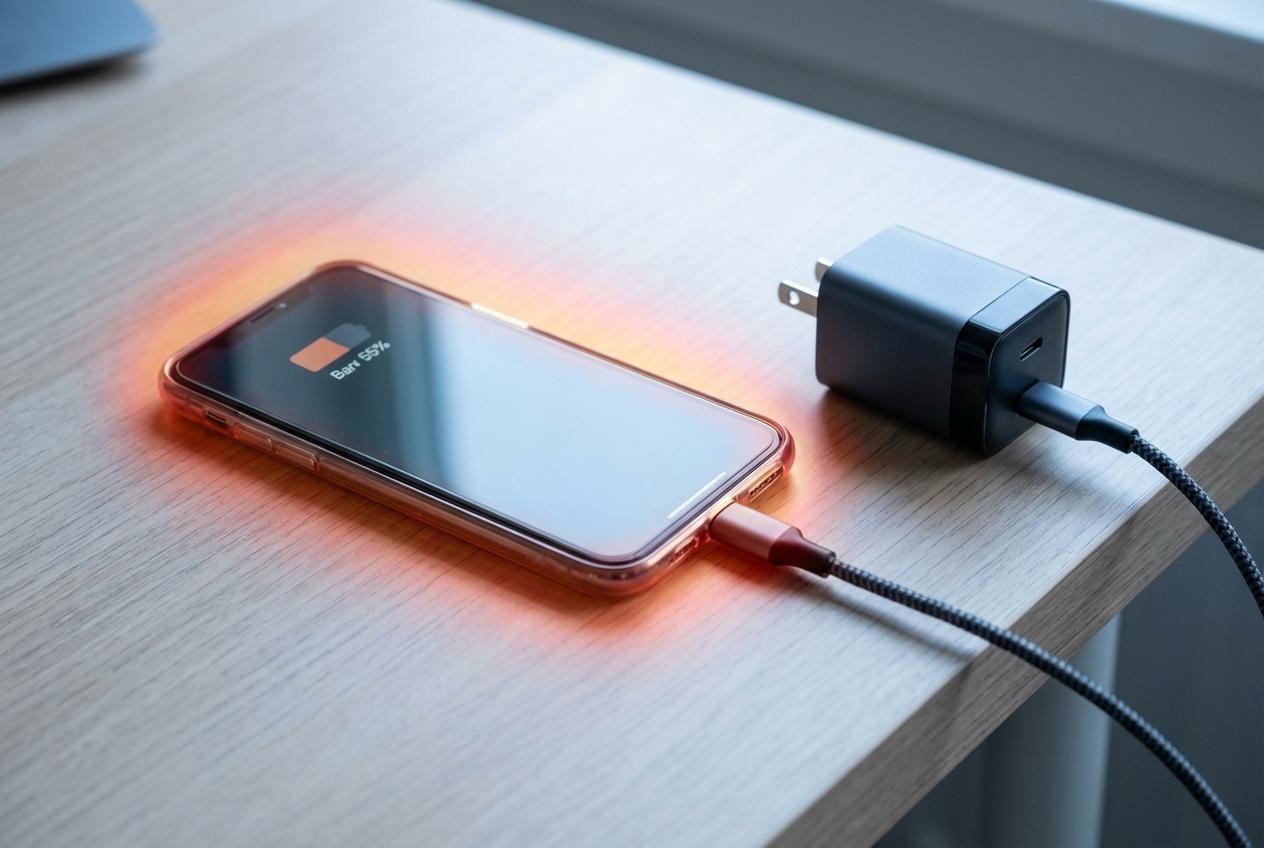
That “slow, boring” wear usually looks like this: a year in, your phone still works fine, but it doesn’t last as long between charges. Fast charging isn’t automatically the cause. What drives wear is how long the battery spends hot and how often it sits at very high charge levels, because both add stress during normal use—like topping up to 100% and then leaving it plugged in while the phone stays warm.
Fast charging can raise temperature, especially in the first part of a charge when the battery can accept more power. If you fast charge from 20% to 60% and unplug, you often get the convenience with less downside. If you fast charge to 100% in a warm room, inside a thick case, while running a game or navigation, you stack heat sources and the battery pays for it.
The trade-off is simple: speed is fine; speed plus heat is the problem. That’s why the next decisions are mostly about everyday heat traps, not the watt number on the box.
Heat shows up in everyday moments—car chargers, gaming, cases, sunlight
Those everyday heat traps usually look harmless because each one, on its own, feels normal. You plug into a car charger while running maps, toss the phone on the passenger seat in direct sun, and wonder why it suddenly slows charging or throws a temperature warning. That’s the phone protecting the battery: when the pack gets hot, it pulls power back, even if the charger could deliver more.
Gaming is the same problem indoors. The processor makes heat, the screen makes heat, and fast charging adds more—so the battery sits in the hottest spot it sees all day. A thick case can push it over the edge by trapping that heat, especially during the first 10–20 minutes of a fast charge.
The practical friction is convenience: you don’t want to pull a case off or stop using the phone. When you need both charging and heavy use, aim for “warm, not hot”—bright screen down, game paused, case loosened, phone out of sunlight—because the next habit that matters is how long it stays warm after you’re done.
Overnight charging: keep it convenient without cooking the battery
How long it stays warm after you’re done is exactly what makes overnight charging tricky: it turns a short heat spike into hours of “good enough” warmth. Most nights, the phone won’t be fast charging for eight hours—it will hit full, then sip power in little bursts. The wear comes from spending that whole time near 100% and not letting heat escape.
The easy win is to make the bed and the charger setup boring. Charge on a hard surface with airflow, not under a pillow or tucked into blankets, and don’t stack heat with a thick case if your phone tends to run warm. If your phone has an “optimized charging” or “charge limit” setting (often 80–85%), turn it on; it reduces the time the battery sits at the top. The trade-off is obvious: you might wake up with less than 100%, so you’re choosing consistency over max range.
If you need a guaranteed full charge for an early day, set it to reach 100% right before you wake up, not at midnight.
So what should you do tomorrow: a simple default for fast vs slow
Reaching 100% right before you wake up is the same mindset to use during the day: get what you need, then stop adding heat and time at the top. Make fast charging your “busy day” tool—quick boosts from roughly 20–60% or 20–80%, then unplug. Use slower charging when you’re going to stay plugged in for hours (desk days, overnight), or when the phone is already working hard.
If anything feels hot, don’t troubleshoot with guesswork: swap the cable first, then the charger, and charge out of the case on a cool surface. The goal isn’t perfect habits. It’s fewer hot sessions.