You’re turning the volume up, but it’s not getting clearer
You hit volume up because the voices are buried. Ten minutes later, you’re riding the remote: dialogue is finally loud enough, then a car chase or menu sound blasts the room. If you watch at night, you end up turning on subtitles even though the screen is right there.
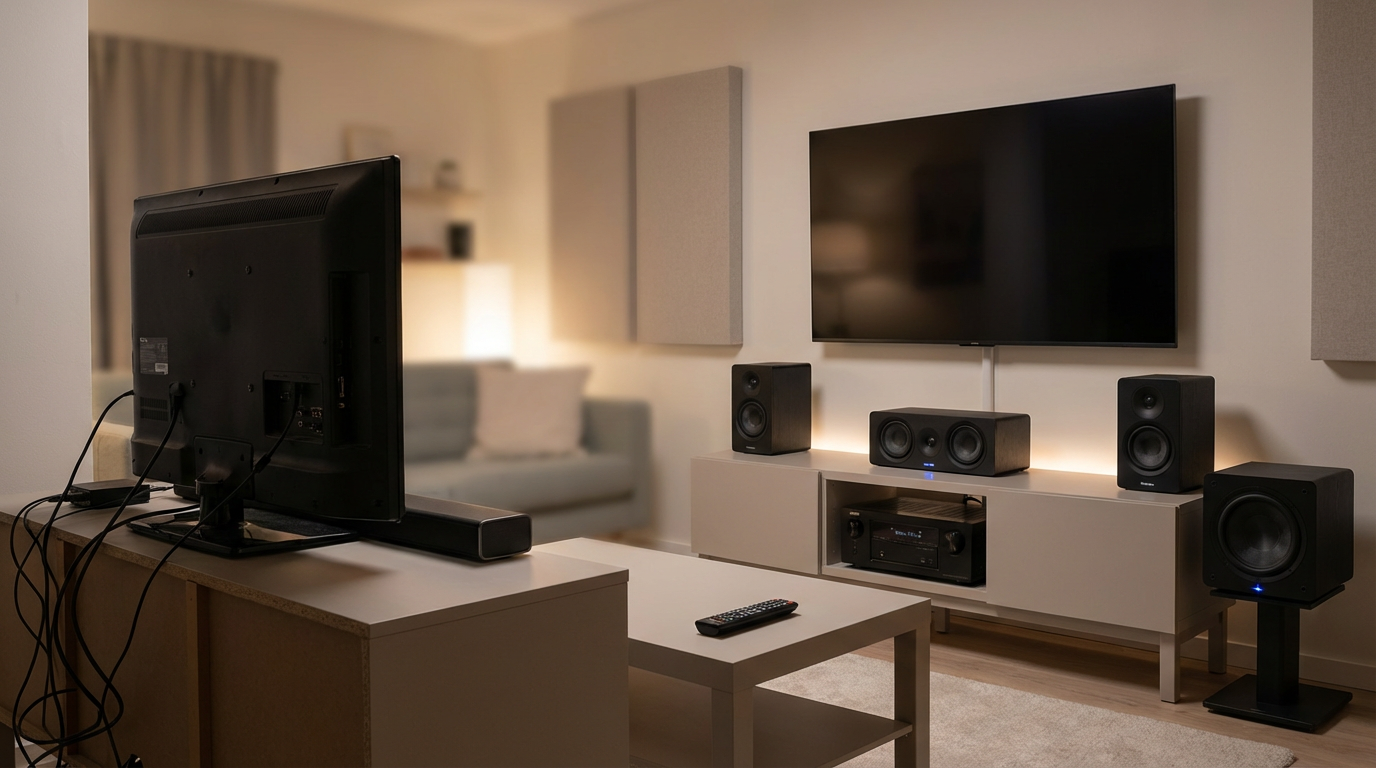
That pattern usually isn’t your hearing. It’s your system running out of clean headroom, your room exaggerating certain frequencies, or both. A soundbar in a wide living room can’t “steer” dialogue like a real center speaker can, and older receivers can struggle with how today’s movies and games balance quiet speech against big effects. The friction is real: louder often means harsher, not clearer.
The good news is you don’t have to guess. A quick reality check can separate a setup problem you can fix tonight from gear that’s simply hit its ceiling.
Before you upgrade anything: a 10-minute reality check
That “quick reality check” is easiest if you test with the stuff you actually watch. Pick one scene with steady dialogue (a drama or podcast-style show) and one with loud effects (an action clip or a game fight). Turn off “night mode,” “voice boost,” and any loudness leveling for two minutes, so you’re hearing what your system is really doing.
Now do three fast checks. Sit in your normal spot and set volume so dialogue is just comfortable. If you still can’t make out words unless you crank it, note that. Then pause and unpause a few times: if voices change a lot between quiet moments and effects, your system may be running out of clean headroom. Finally, nudge the soundbar/center level up one step (or move the bar forward to the TV edge). If clarity jumps without extra volume, setup was part of it.
What matters is which fixes stick after you reset things tomorrow. That’s where the signs get obvious.
Sign #1: Dialogue is still hard to follow after basic tweaks
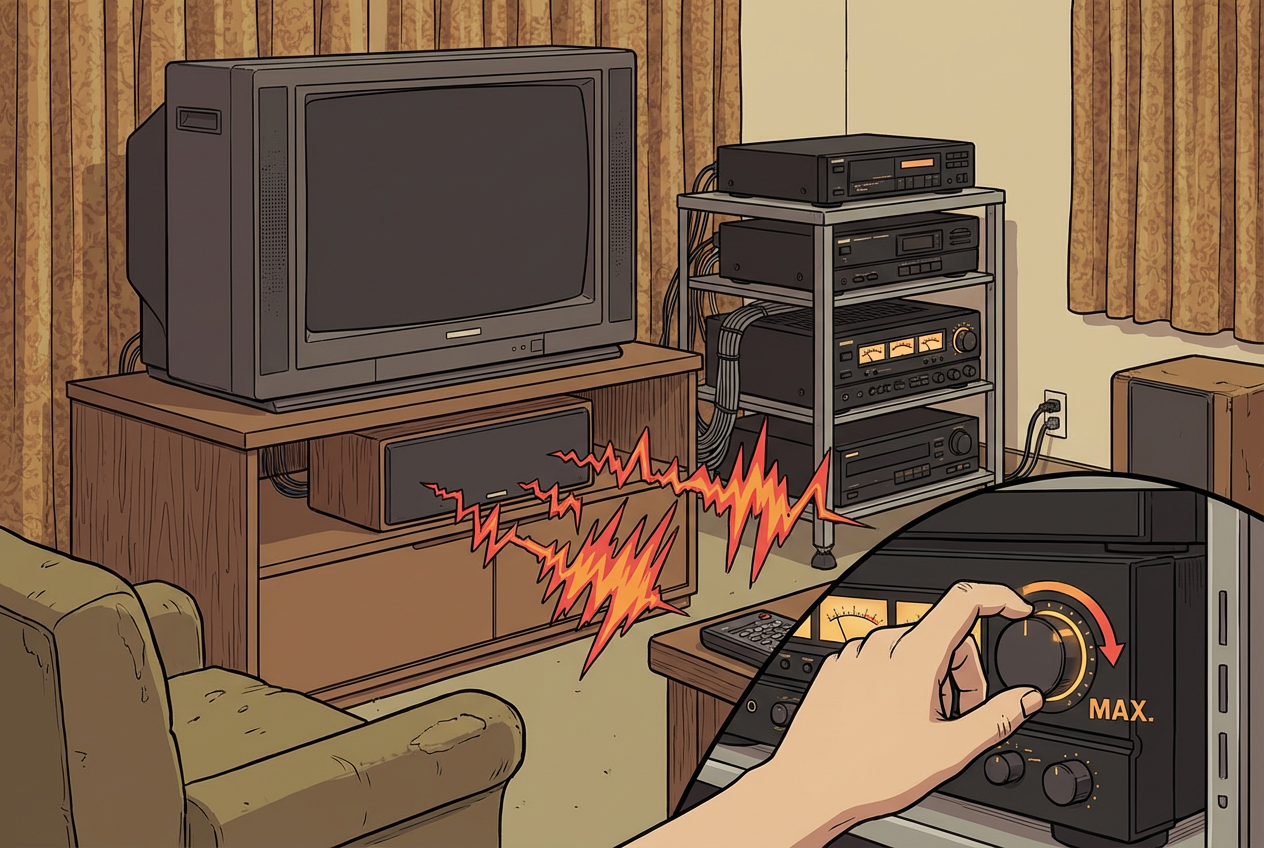
If tomorrow you’re back on subtitles even after you did those quick tweaks, that’s a strong sign your current setup is the bottleneck. You already tried the low-effort wins: night modes off, a small center/voice bump, and getting the bar or center closer to the front edge. Yet normal conversation still sounds like it’s behind a wall unless you turn it up.
That usually shows up as “mushy” consonants—S, T, and K sounds blur—so you hear the rhythm of speech but miss the words. In a soundbar, it can be the bar trying to cover too much range with too little separation. In an older 5.1, it’s often a center speaker that can’t stay clean at the level you need, or a receiver that runs out of easy power right when dialogue needs it most.
The trade-off is tempting fixes that don’t hold: voice enhancement can raise noise and make voices thin. If that’s where you’re stuck, the next step is narrowing whether the center channel itself is the limiter.
Sign #2: Action scenes sound loud, but the mix feels chaotic or harsh
Narrowing the center helps, but you’ll still notice a different problem when the scene gets busy: explosions hit hard, yet everything turns into a bright, jumbled wall of sound. You flinch at the “crack” of gunshots, cymbals, or glass, but you can’t track where anything is coming from. Turning it down makes it dull; turning it up makes it edgy.
If that harshness shows up even with EQ set flat and loudness/leveling off, your speakers or amp may be hitting their clean limit. Small drivers in many soundbars compress when the mix gets dense, and older HTiB speakers can get shouty in the upper mids. A quick tell: replay the same 10 seconds at a lower volume. If it stays scratchy instead of just quieter, it’s likely distortion or compression, not “the way it was mixed.”
The trade-off is that “treble down” fixes the sting but can also bury detail. If the action still doesn’t feel controlled, pay attention to whether surround cues actually lock into place.
When surround effects don’t “stick,” even with the right content
You notice it fastest in a scene that should wrap around you: rain in an alley, crowd noise in a stadium, a helicopter passing overhead. You hear “stuff” in the back, but it doesn’t stay put. The sound seems to hover near the front, or it jumps from speaker to speaker instead of tracking the on-screen movement.
If your source is actually sending surround (not downmixed stereo) and you’ve already rerun your receiver’s setup, this usually points to placement and matching limits. Tiny satellites pushed too high, too far back, or blocked by a couch can turn precise cues into vague ambience. Mismatched surrounds can do it too—one brighter speaker pulls attention, so the effect won’t lock in.
The friction: the usual fix is “turn the surrounds up,” but that often makes them obvious without making them accurate. If the surround field still won’t snap into place, it’s time to look at the low end next—because weak or boomy bass can smear everything around it.
Sign #4: Bass is either missing—or it’s one-note boomy everywhere
That smearing often shows up as bass that’s either barely there or weirdly everywhere. You turn the sub up to “feel” the movie, but it doesn’t add punch—it adds a steady rumble that follows every scene. Or you leave it low and explosions sound small, like the picture has weight but the room doesn’t.
If bass disappears, the usual culprit is a sub that can’t play low with control, or a crossover that leaves a gap between your speakers and the sub. A common apartment scenario: the sub is set to be polite, so you hear mid-bass thump but miss the deep notes that make impacts feel real. If bass turns into one note, that’s often placement and room modes—corner loading can make one spot on the couch booming while another spot feels thin.
The trade-off is turning the sub down fixes the boom, but it can also kill the sense of scale. If you can’t get “tight and even” with basic placement and level tweaks, your sub (or bass management) is the limiter.
Sign #5: Your system can’t keep up with today’s formats and connections
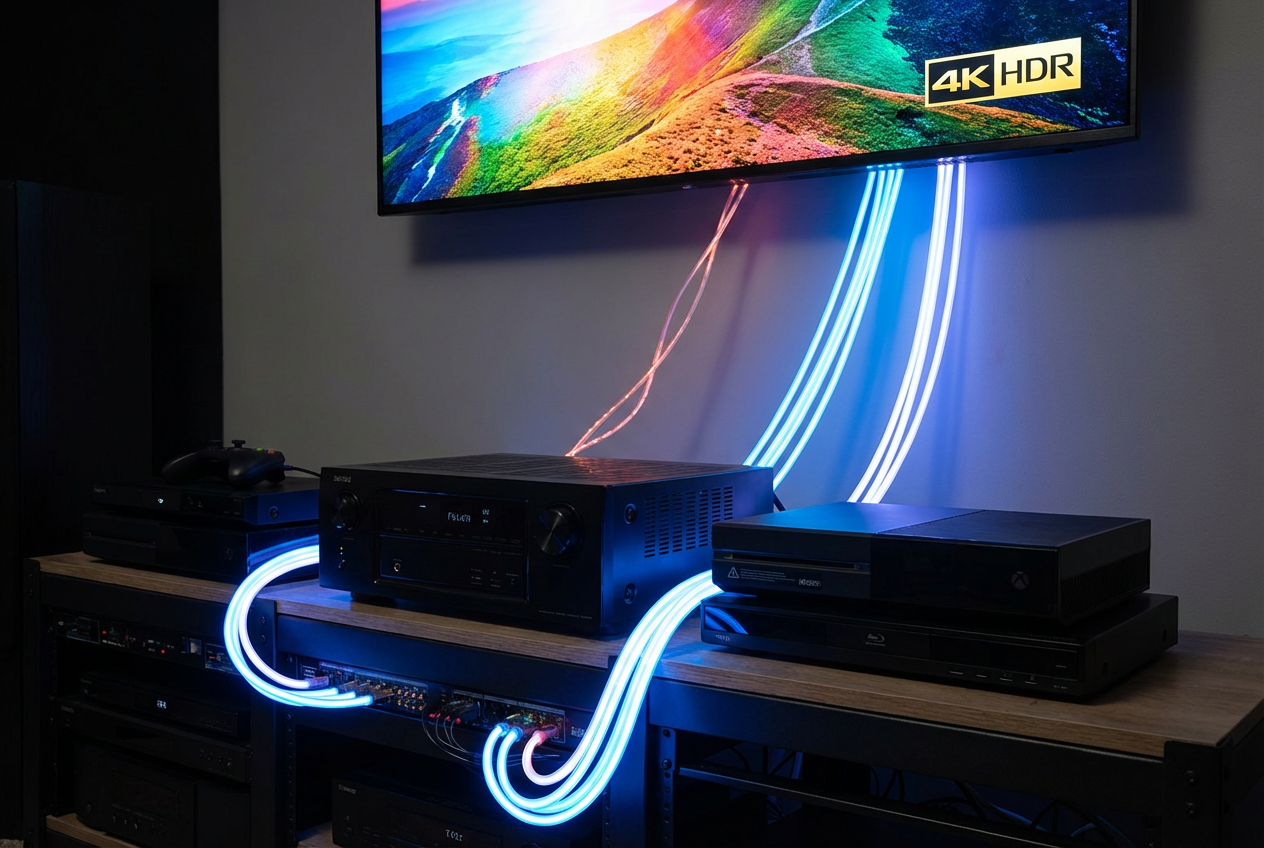
If you’ve tried to get bass tight and even and it still won’t cooperate, sometimes the real problem is upstream: the system can’t even take in what you’re watching. A common clue is when your TV says it’s outputting Dolby Atmos (or “5.1”), but your receiver or soundbar only shows “PCM,” “Stereo,” or a generic surround mode. You still get sound, but the mix loses separation—dialogue, effects, and ambience all fight for the same space.
Connections can force that downgrade. Older receivers may not support HDMI eARC/ARC properly, so the TV falls back to basic audio. Some won’t accept newer formats (like Dolby TrueHD/Atmos from certain sources), or they’ll choke on 4K/HDR video switching, pushing you into odd workarounds like running everything through the TV and hoping the return audio behaves.
The friction is you can waste money “upgrading speakers” when the bottleneck is format support and routing. If you’re constantly changing TV audio settings, losing surround after an update, or avoiding certain devices because they don’t play nicely, start with the hub—then you can choose the upgrade that actually moves the needle.
So what should you upgrade first (and what can wait)?
When the hub can’t reliably pass the right signal, every other upgrade becomes guesswork. If you’re seeing “Stereo/PCM” when you expect Atmos or 5.1, start with the receiver or soundbar—the piece handling HDMI eARC/ARC and decoding—so you stop losing channels and levels between devices.
If formats and switching are stable but words still won’t pop, upgrade the center channel first (or move from a soundbar to a true L/C/R front stage). If action stays harsh at normal volumes, prioritize speakers/amp headroom over more EQ. If bass is the problem after basic placement tries, a better sub (and proper bass management) is the fastest “wow.”
What can wait? Extra surrounds, height modules, and boutique cables. Get clean dialogue, controlled dynamics, and correct signal routing first—then add immersion once the basics stop fighting you.