You’re already late, and the apps disagree
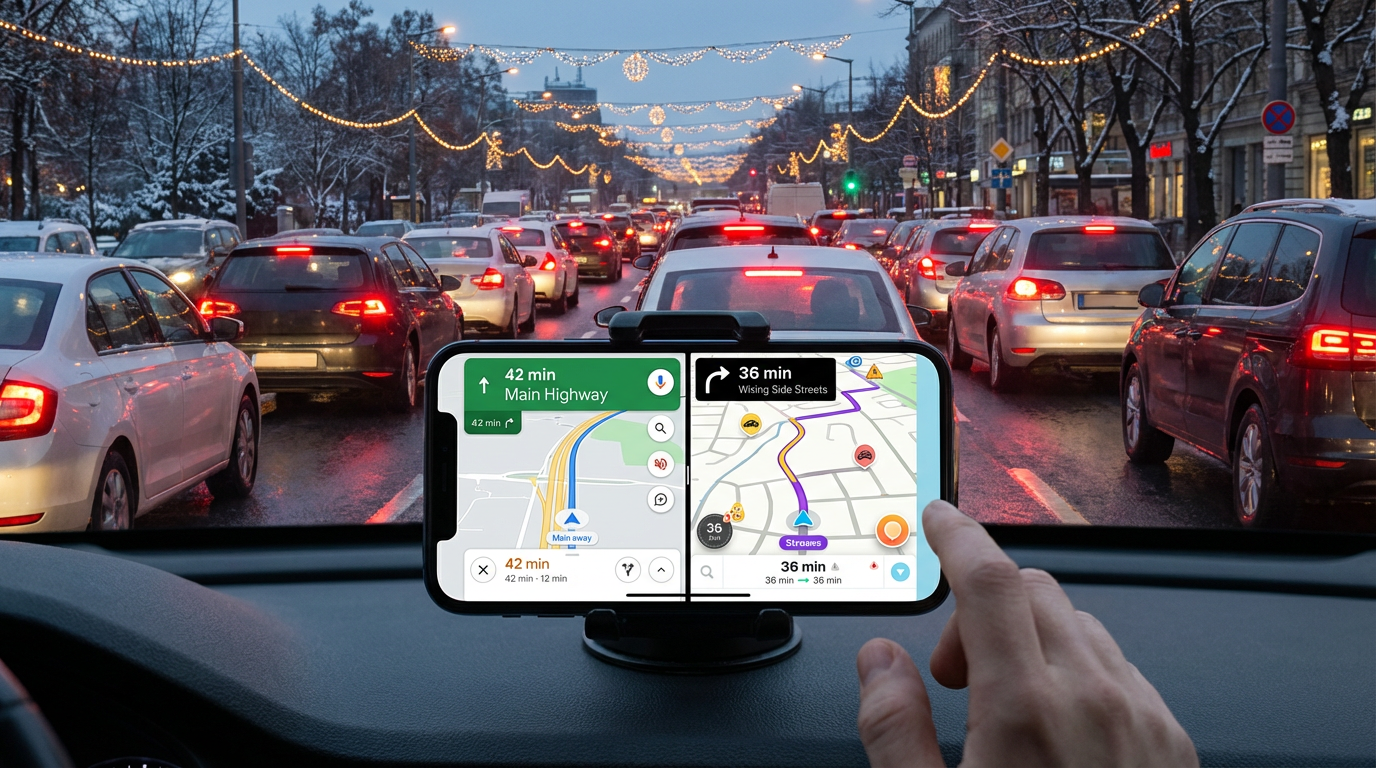
You’re pulling out of the driveway, you’re already behind, and you just need one thing: a route you can trust. Then Google Maps says 42 minutes and keeps you on the main roads, while Waze says 36 minutes with a quick detour through side streets. Both sound plausible, and that’s the problem—holiday traffic can flip fast around malls, school drop-offs, and last-minute errands.
If you pick wrong, you don’t just lose time. You add stress: awkward turns, hard merges, and a “rerouting…” loop right when you’re trying to focus. The goal here isn’t to become a traffic expert—it’s to make one clean decision about speed versus hassle, before you hit “Go.”
First decision: are you trying to arrive fastest, or just avoid hassle?
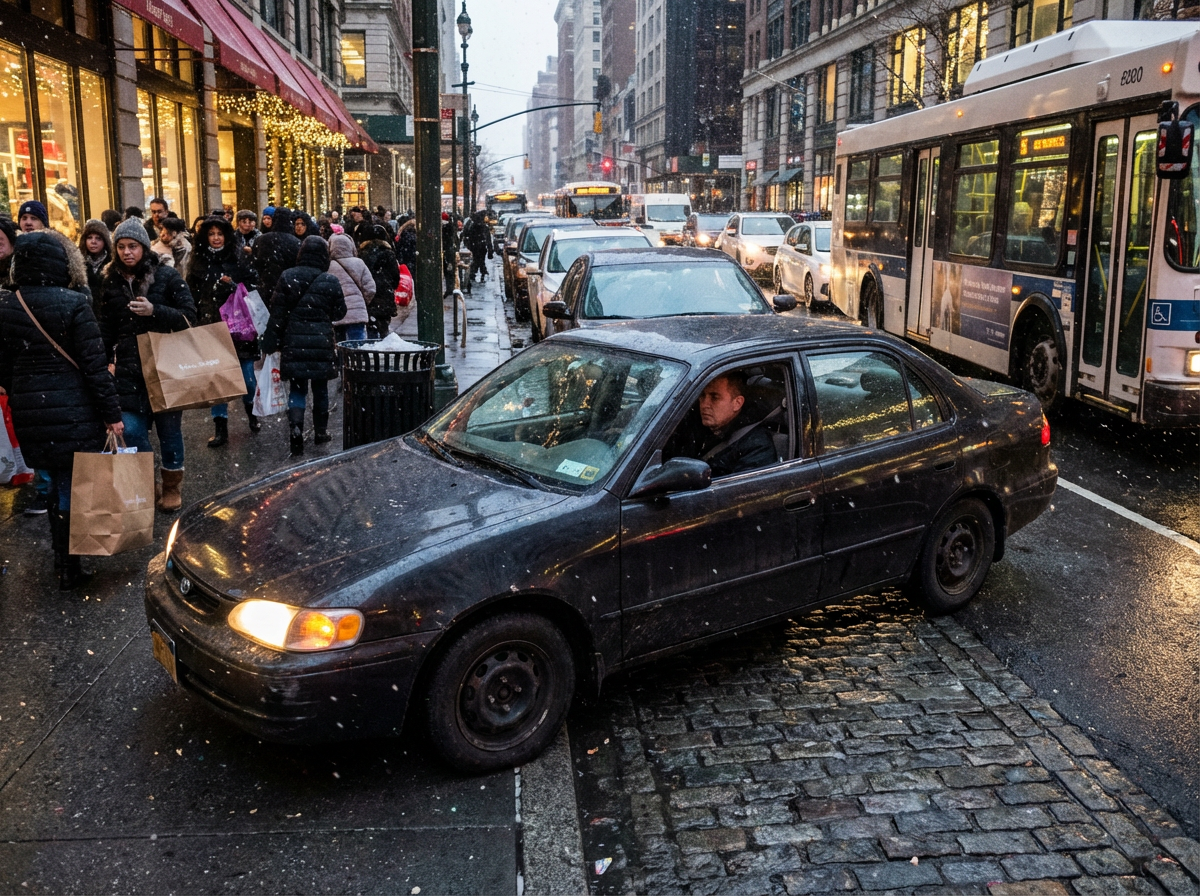
That “clean decision” starts with a quick gut check: do you want the fastest possible arrival, or the least annoying drive that still gets you there on time? In holiday traffic, those are often different routes. The faster option usually comes with more turns, more lane changes, and more chances to get stuck behind someone hunting for parking near a shopping center.
If you’re truly late—like you’ll miss the first 10 minutes and it matters—opt into speed and accept friction. That means you’ll tolerate side streets, short cuts, and the occasional awkward left turn. If you’re only trying to avoid being “the last one there,” bias toward hassle-free: fewer tricky merges, more predictable roads, and fewer surprises when you’re juggling passengers or gifts.
The trade-off is simple: speed-focused routing can save minutes, but it also increases the odds of a small mistake costing those minutes back. Once you pick which pain you’ll tolerate, choosing between Google Maps and Waze gets clearer.
When Google Maps tends to win (and what it’s optimizing for)
That clarity shows up when you notice Google Maps keeping you on the bigger roads even when the ETA isn’t the lowest. Most of the time, it’s optimizing for a route that’s fast and stable: fewer risky turns, fewer tiny connectors, and fewer “all-or-nothing” shortcuts where one blocked lane wipes out the advantage. In holiday congestion, that stability matters because backups near mall entrances and major intersections can look solvable—until everyone tries the same escape.
Google Maps also tends to do better when the trip spans multiple road types (highway to arterial to neighborhood) and the best move is simply picking the right on-ramps and major merges. The friction is that it can feel conservative. If a 6-minute Waze shortcut relies on three left turns across traffic and a school-zone crawl, Google’s longer ETA may be the safer bet to actually arrive when it says.
Where Waze shines—and why it can feel riskier when you’re rushing
That “conservative” feeling is exactly where Waze can earn its keep. When traffic is messy but patchy—one bad intersection, a surprise lane closure, a backup spilling off the highway—Waze is more willing to cut around it with short hops through parallel streets or quick connector roads. In dense suburbs near malls, stadiums, or big box clusters, that can shave real time because it avoids the one choke point everyone has to pass.
Waze also tends to react fast to what drivers report: stalled cars, crashes, police activity, and sudden slowdowns. That’s the upside when conditions change mid-afternoon and the usual “safe” route stops being safe.
The risk shows up when you’re rushing because the time savings often depends on many small steps going right. More turns means more chances to miss one, get stuck behind a left-turn queue, or hit a light cycle that eats the whole advantage. If the Waze route looks like a chain of tiny streets plus a tricky re-entry to a main road, treat the lower ETA like a best-case, not a promise.
If one ETA drops by 6 minutes: what to check before you tap “Go”
That “best-case, not a promise” feeling hits hardest when one app suddenly shows an ETA that’s 6 minutes better. Before you chase it, look at what’s creating the gap: is it one clear bypass of a known choke point, or a string of small streets and micro-turns that only work if every light cooperates?
Do a quick sanity scan on three things. (1) Turn density: if the “faster” route adds a bunch of turns in the first 10 minutes, you’re buying more chances to lose the advantage. (2) Re-entry pain: if it dumps you back onto a main road via an unprotected left or a short merge, assume you might wait a full light cycle or two. (3) Holiday traps: mall entrances, school zones, and parking-lot cut-throughs can look like roads but move like a crawl.
If the savings comes from one clean move, take it. If it comes from many tiny moves, verify it with a second view before you commit.
The two-app check that doesn’t make you a backseat traffic analyst
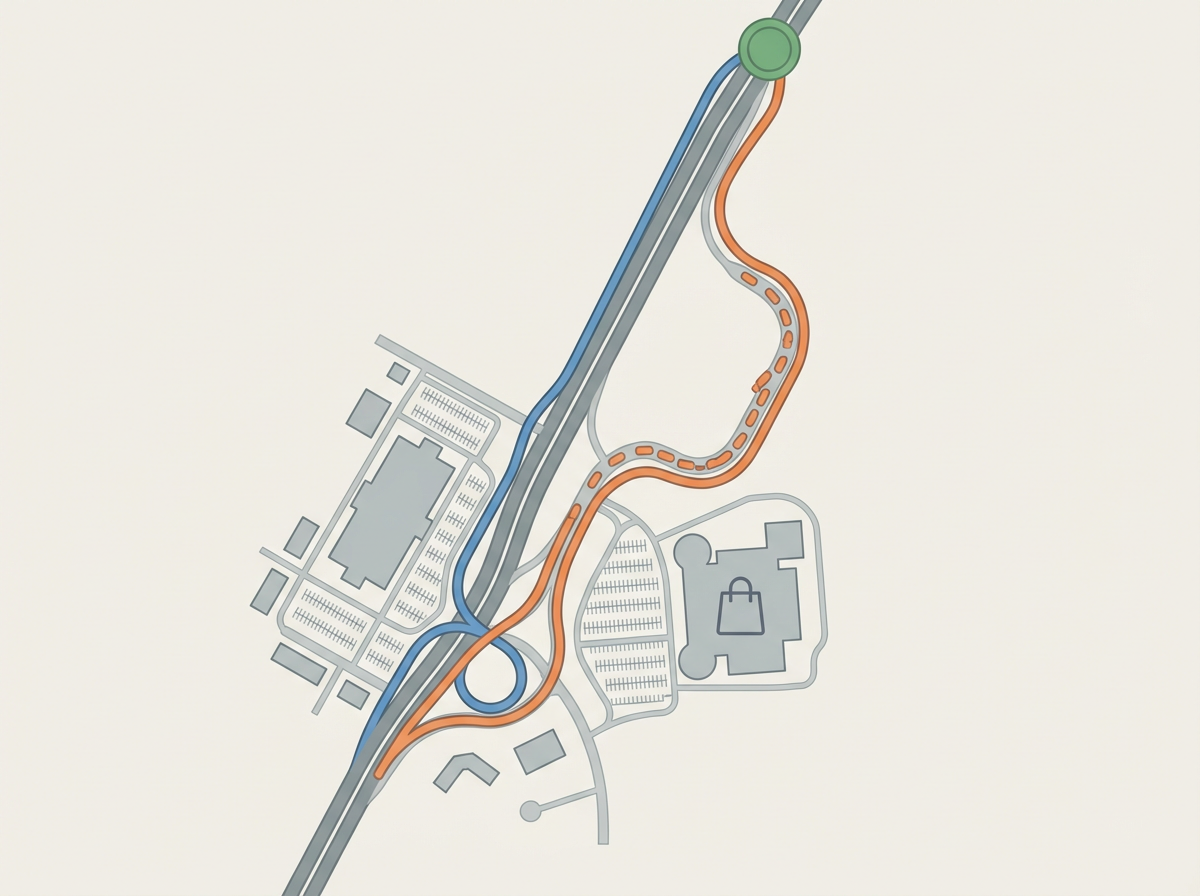
That “second view” can be fast if you’re checking for one thing: does the shortcut depend on fragile steps, or on a single clear bypass? Open the other app, set the same destination, and compare just two elements: the first 10 minutes and the “hardest” re-entry point. If both apps agree on the early path, the difference usually comes later—often a single merge, interchange, or mall-adjacent intersection where predictions swing.
Then make one rule: only switch apps for a time gain you can protect. If the lower ETA route adds multiple early turns or dumps you into an unprotected left near a shopping cluster, treat the savings as optional, not reliable. The friction is that this check can cost 20–30 seconds, but it’s cheaper than committing to a route you can’t execute cleanly when you’re already stressed.
Once you’re rolling, the game changes: the next question is which reroute signals actually deserve your attention.
Mid-drive reroutes: which signals to trust when ETAs start bouncing
Once you’re rolling and the ETA starts bouncing, it usually looks like this: the app flips from “stay on the highway” to “take the next exit,” then flips back a minute later. In holiday traffic, that’s often not new information—it’s the model reacting to small speed changes and trying to reclaim a minute or two. If the reroute only saves 1–2 minutes, ignore it unless the new path is simpler than what you’re already doing.
Trust reroutes triggered by a clear event: a crash icon, a reported closure, or a speed drop that stretches across multiple segments ahead (not just one red patch). Treat “faster route found” with no obvious cause as noise, especially near mall entrances and interchange ramps where a single light cycle can distort ETAs.
The consequence of chasing every dip is real: more exits, more merges, and more chances to miss a turn and lose the savings. Commit to a lane plan, then only switch when the gain is big enough to survive one mistake.
A confident default for holiday season (and a backup for the truly messy days)
That “big enough to survive one mistake” idea is your holiday default: run Google Maps as the driver’s app, because its routes tend to stay stable when traffic gets lumpy around malls and highway ramps. Set it to prioritize time (avoid toggles like “avoid highways” unless you truly mean it), then drive the route you can execute cleanly.
Keep Waze as the backup for truly messy days—active incidents, surprise closures, or when your main route is obviously collapsing. Do a quick pull-over check if Waze shows a meaningful drop (think 5+ minutes) and the detour is one clear bypass, not a chain of side streets. If the savings depends on six tiny turns, stick with the stable plan.